AI Agents in Localization: A Security Checklist for Global Teams
AI agents can read files, change content and trigger actions, not just produce a translation. Use this checklist to test permissions, classify client data and keep human approval where it matters.

Securing AI Agents in Your Localization Workflow
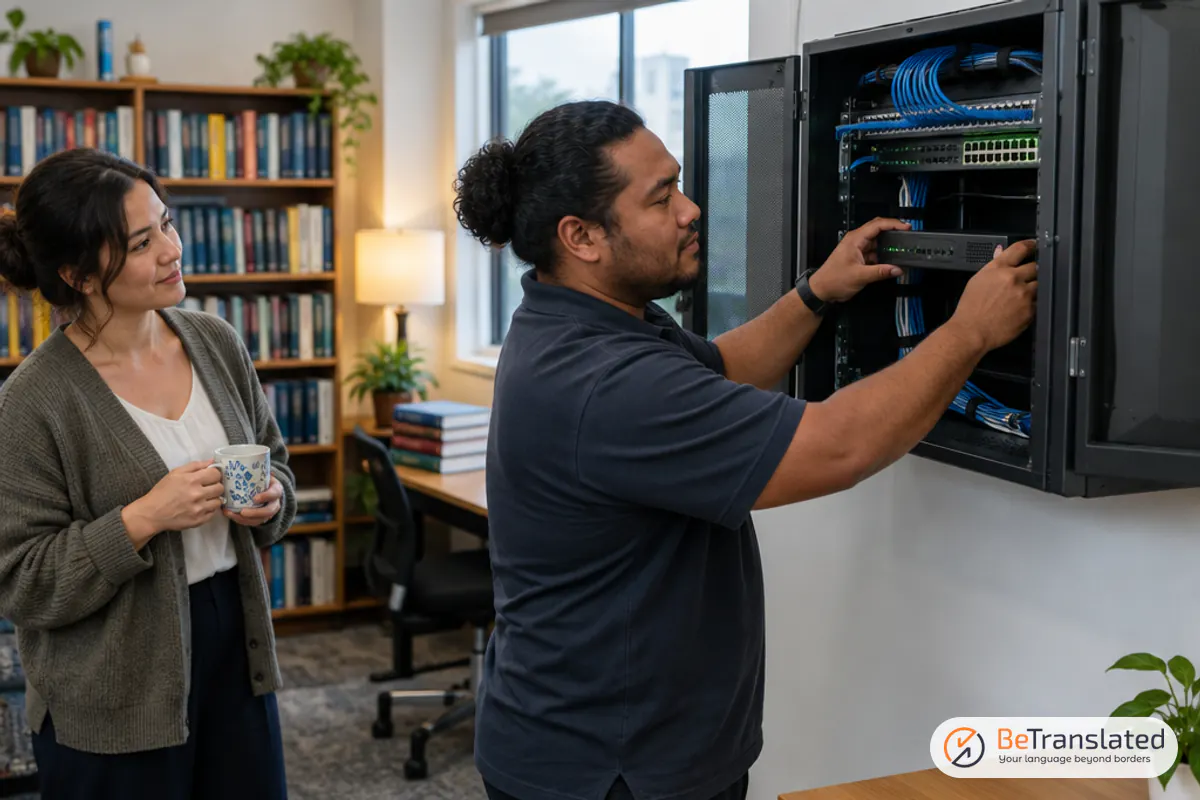
An AI agent does not wait for you to paste text into a box. It can watch your apps, open files, decide what to do next and, if you let it, act on your behalf. In a localization workflow, that changes the security question from "is the translation good?" to "what is this tool allowed to touch?"
This checklist is for the people who sign off on those connections: localization managers, IT, legal and procurement. It covers permissions, connectors, traceability and accountability, not linguistic quality.
From AI Translation to AI Agents
A machine translation engine takes text in and gives text back. An agent does more: it holds a goal, uses tools and takes steps in sequence.
Anthropic's Claude Duet, announced on October 21, 2026, shows where this is heading in general-purpose software. According to The Verge's report, it is an agent for professionals and small business owners that sends a morning brief on connected apps, keeps tabs on them through the day and messages the user only when something needs attention.
The report adds that Duet is designed to ask the user for approval before big steps such as sending a payment or deleting something (The Verge, October 21, 2026).
Duet is not a localization product, and it is a research preview that Anthropic itself calls an early version. We cite it because it illustrates the pattern: an agent with memory, connected apps and a browser, asking a human before the big steps.
Localization tooling is moving the same way. Microsoft documents an Interpreter agent for Teams. Check each vendor's documentation for what a given agent feature actually does before you assume it.
The practical consequence is that a localization agent is closer to a new team member with system access than to a spell-checker. You would not hand a new hire every password on day one.
What an Agent Can Access in a Localization Workflow
Start with a map. For every agent you are considering, list each system it would connect to and what it could do there.
Typical touchpoints in a multilingual workflow include:
- Content sources: CMS, product catalog, help center, code repository for software strings.
- Files and assets: source documents, design files, images, video and audio.
- Linguistic assets: translation memories, glossaries and style guides, which may contain confidential terminology.
- Communication channels: email, chat and project management tools, where client details sit.
- Publishing paths: the connector that pushes finished content live.
- Billing and vendor systems: purchase orders, invoices and payment tools.
Each connection is a door. The more doors an agent can open, the more a single error, a bad instruction or a compromised account can reach.
A related risk is text the agent reads. A document, web page or comment can contain instructions aimed at the agent, not at a human reader. Ask any vendor how its agent treats instructions found inside the content it processes.
Classifying Client Data Before Connecting Any Tool
Decide what may go where before anything is connected. A four-tier scheme is enough for most teams.
| Tier | Examples | Agent rule |
|---|---|---|
| Public | Published web pages, brochures | May be processed by approved agents |
| Internal | Style guides, project plans, glossaries | Approved agents, limited connectors, logged access |
| Confidential | Unreleased products, contracts, financial results, client lists | Only with a written agreement, restricted workspace and named approvers |
| Regulated | Medical records, personal data, immigration or legal files | Do not connect without legal review and documented consent |
Where personal data is involved, data protection law such as the GDPR may require a data processing agreement and a clear basis for the transfer. Ask your counsel, because the answer depends on your location and your client's.
Label content at the source. An agent cannot respect a tier that nobody wrote down.
Read, Write, Delete and Payment Permissions
Most agent risk comes from permissions that were broader than the task. Grant each class separately and start at the lowest.
| Permission | What it allows | Default stance |
|---|---|---|
| Read | View files, messages and settings | Scope to named folders or projects, never the whole drive |
| Write | Create or edit content and assets | Allow in a draft or staging area only |
| Publish | Push content to a live site or app | Require human approval every time |
| Delete | Remove or overwrite files and records | Disabled; use versioned backups instead |
| Payment | Approve purchases, invoices or transfers | Disabled; a person pays, always |
| Share | Send files or links outside the company | Disabled or approval-gated |
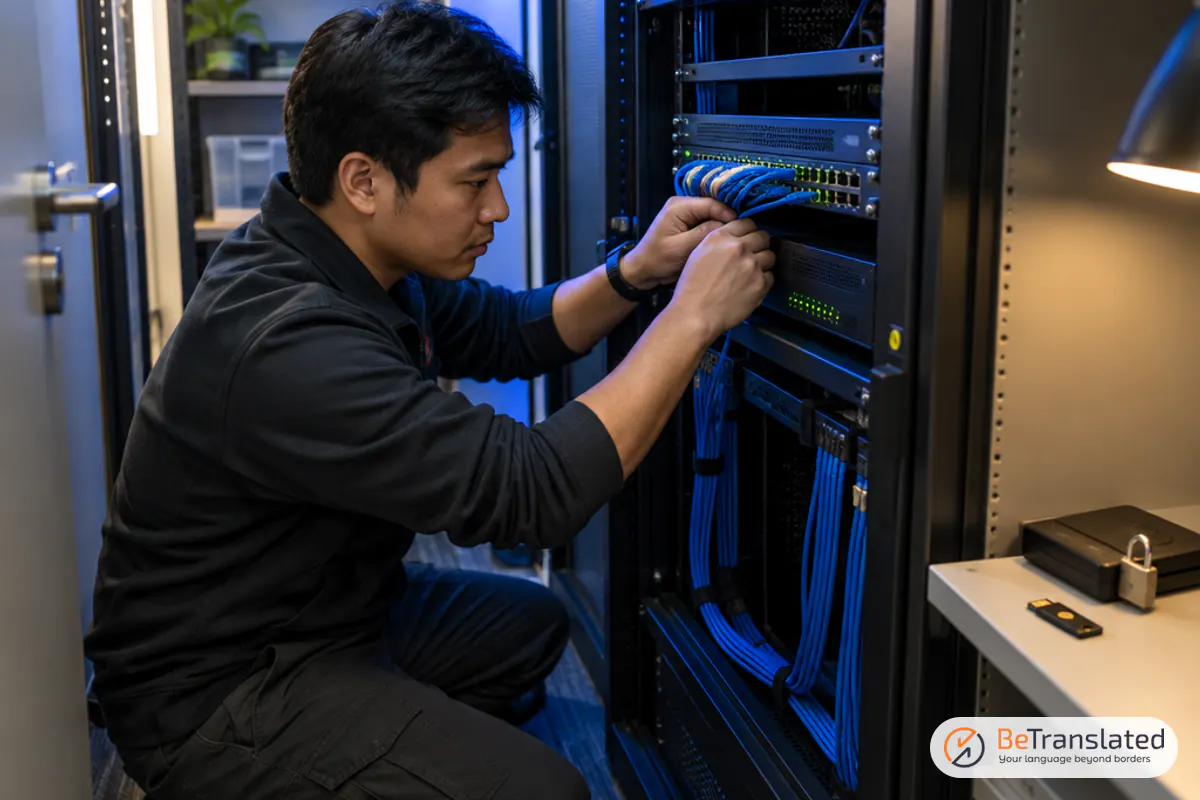
Two habits help. Use a dedicated service account for the agent, so its actions are separate from any employee's and you can switch it off without affecting anyone. And give it expiring credentials where the platform allows it, so a forgotten connection does not stay open.
Test the limits yourself. Ask the agent to do something it should not be able to do, such as deleting a test file or reading a folder outside its scope, and confirm that it fails.
When Human Approval Must Remain Mandatory
Automation is useful for volume. It is a poor fit for steps that are hard to reverse or carry legal weight. Keep a named person in the loop for:
- publishing to a live site, store or app
- sending anything to a client or an external party
- deleting, overwriting or moving source files
- approving spend, invoices or vendor changes
- translations that carry legal, medical or regulatory consequences
- any action on Regulated data
- changes to the agent's own permissions or connectors
Approval has to mean something. A button that says "approve all" at the end of a batch is not review. Show the approver what will change, ask for a decision per item or per defined batch, and record who decided.
This is separate from linguistic review. Our guide to human in the loop translation covers how human linguists check the language. This article is about who is accountable for the system's actions.
Ten Security Questions to Ask a Localization Vendor
Send these to any vendor that offers an agent or connects one to your systems. Ask for written answers.
- Which systems will the agent connect to, and with what permissions?
- Can we restrict access to specific folders, projects or languages?
- Where is our content processed and stored, and in which countries?
- Is our content used to train or improve any model? Can we opt out in writing?
- How long do you retain files, prompts and outputs, and how do we request deletion?
- Which actions can the agent take without a human approving them?
- Do you keep logs of what the agent read, changed and sent, and can we export them?
- Who at your company can see our content, and under what confidentiality terms?
- Which subprocessors or third-party models are involved?
- What is your incident process, and how fast will you tell us about a problem?
A vendor that answers vaguely, or only in a sales deck, has told you something too. Do not accept security claims you cannot check, and note that certifications and audit reports are claims to verify, not assumptions to make.
How to Run a Limited Pilot Without Exposing Production Data
A pilot should prove the workflow, not gamble with live material.
- Choose one low-risk use case. For example, internal help-center articles that are already public.
- Use synthetic or public data. Replace names, figures and client details, or pick content that is already published.
- Build a separate workspace. Create a sandbox account, a staging site and a dedicated service account.
- Set read-only first. Allow write access to the sandbox only after the read tests pass.
- Run adversarial tests. Try to make the agent exceed its scope, ignore an approval step or act on an instruction hidden inside a file.
- Review the logs. Check that every action can be traced to a time, an account and a reason.
- Define the stop rule. Decide in advance what failure ends the pilot, such as one out-of-scope action or one missing log entry.
- Decide, then widen. Move to the next data tier only after a written review.
AI Agent Evaluation Scorecard
Score each vendor or tool from 0 to 2 on every line: 0 means no or unknown, 1 means partly, 2 means yes with evidence. A "no" on a starred item should stop the project until it is resolved.
| Area | Question | Score (0-2) |
|---|---|---|
| Permissions* | Can we set read, write, publish, delete and payment rights separately? | |
| Scope | Can access be limited to named projects, folders or languages? | |
| Approvals* | Does every irreversible action require a named human to approve it? | |
| Traceability* | Are agent actions logged with time, account and target, and exportable? | |
| Data use | Is our content excluded from model training by written agreement? | |
| Residency | Do we know where data is processed and stored? | |
| Retention | Can we set and verify deletion timelines? | |
| Subprocessors | Is the list of third parties disclosed and current? | |
| Testing | Did a sandbox test confirm that out-of-scope actions fail? | |
| Accountability | Is there a named owner on both sides for incidents? |
A maximum score is 20. Treat the number as a conversation starter, not a verdict. The starred items matter more than the total.
Next Step for Your Multilingual Workflow
If you are connecting agents to a multilingual process, or you want to check the one you already have, we can review it with you. We will look at where content moves between teams, tools and linguists, which permissions are broader than they need to be, and where human approval is missing.
Request a workflow and risk audit and tell us about your languages, systems and content types. For larger programs, see our enterprise translation services, and for web and software content, our website localization services. All translation at BeTranslated is done by human translators, and we offer AI post-editing on request. For a wider look at protecting translation operations, read our guide to cybersecurity for translation businesses.
FAQ
What is an AI agent in localization?
It is software that does more than translate text. It can read files, use connected tools and take multi-step actions in a localization workflow, such as moving content between systems. That ability is exactly why it needs permission limits and human approval.
Is it safe to give an AI agent access to client files?
Only with limits. Classify the data first, grant the lowest permissions that work, keep deletion and payment off, and test in a sandbox before using production content.
Which actions should always need human approval?
Publishing, sending content outside the company, deleting or overwriting files, spending money, and anything involving legal, medical or regulated material.