
“Very polyvalent and capable office. I got assisted and coached very well by Mike to achieve my business goals by implementing an effective approach to AI in the areas +”
Elias
Google review (SL), 10 months ago
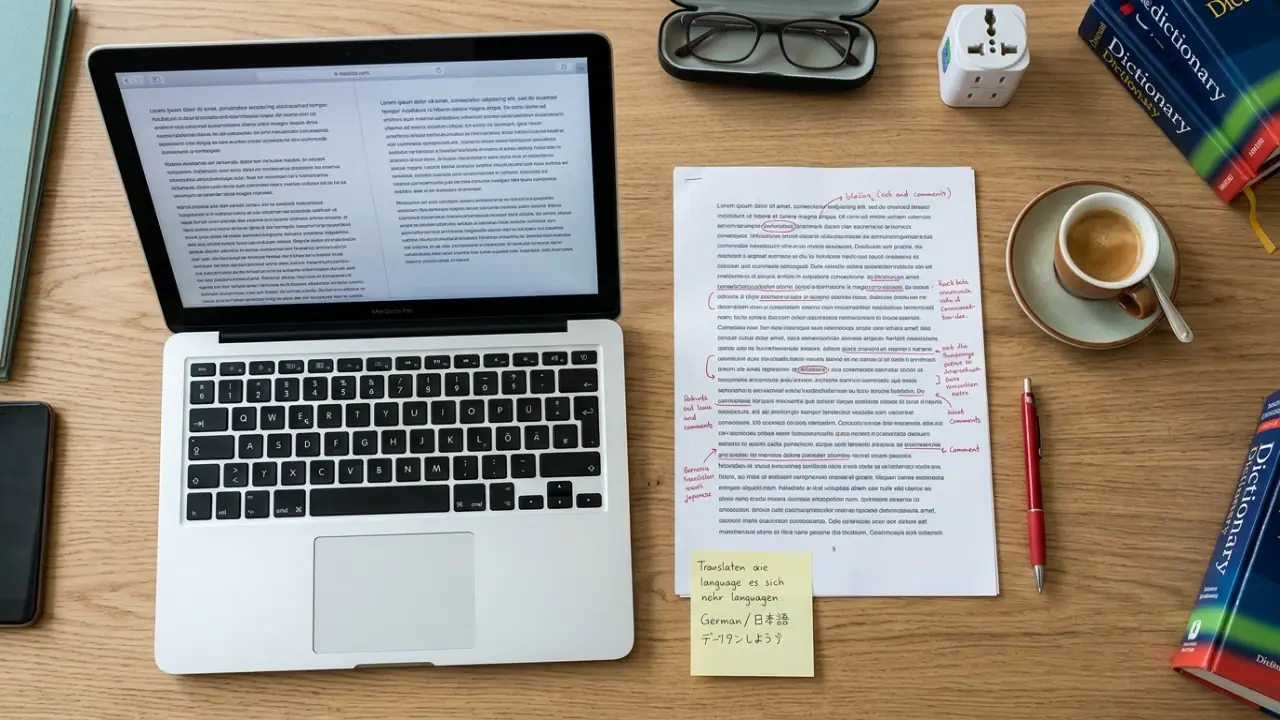
DOCX is the world's most common document format. We translate Word files in 50+ languages while preserving styles, headers, footers, tables, footnotes, and tracked changes so the file opens in Word ready to use.
Microsoft Word documents often carry complex formatting: named paragraph styles, section breaks, header and footer content, embedded tables, footnotes, and revision history. A translator who delivers plain text leaves you to rebuild all of that manually. BeTranslated works directly inside the DOCX format so the translated file opens in Word with your document structure fully intact.
Named paragraph and character styles, heading levels, and list formats are preserved exactly. Your document's visual structure survives the translation intact.
Tables, merged cells, and multi-column layouts are translated in-place. Cells expand or contract as needed for the target language without breaking the table structure.
Revision history and comments can be preserved, accepted before translation, or translated. Specify your preference when submitting and we will handle it accordingly.
Arabic, Hebrew, Farsi, and other right-to-left languages require a document direction change. We apply the correct RTL settings at the section level so your Word file renders properly.
“Very polyvalent and capable office. I got assisted and coached very well by Mike to achieve my business goals by implementing an effective approach to AI in the areas +”
Google review (SL), 10 months ago
“I recently used a translation agency in France to translate several administrative and commercial documents into Spanish. The service I received was absolutely +”
Google review (FR), 2 years ago
Translated from French
“We are extremely satisfied with the translation services provided. The translations were accurate, professional, and delivered on time. The attention to detail and +”
Google review (INTL), a year ago
Everything you need to know about translating Microsoft Word files.
Sending the original DOCX file gives the best results because we can translate directly inside the format and preserve all styles and structure. If only a PDF is available, we can convert it to DOCX before translation, though complex layouts may require manual correction after conversion. Original source files always produce cleaner output.
For standard DOCX documents, yes. We translate inside the file format, so paragraph styles, headings, tables, and lists remain in place. Very long translations (such as German or Finnish) may cause tables to expand slightly to accommodate the extra text. We flag any layout adjustments to you before delivery.
Text embedded inside images cannot be extracted automatically. If your DOCX contains diagrams, screenshots, or infographics with text that requires translation, please note this when submitting. We will quote for the additional image text separately and can deliver the translated image as a replacement file.
Send us your Microsoft Word file and we will quote as quickly as possible. Format preserved, meaning accurate, delivered on time.